
Anúncios
Introduction
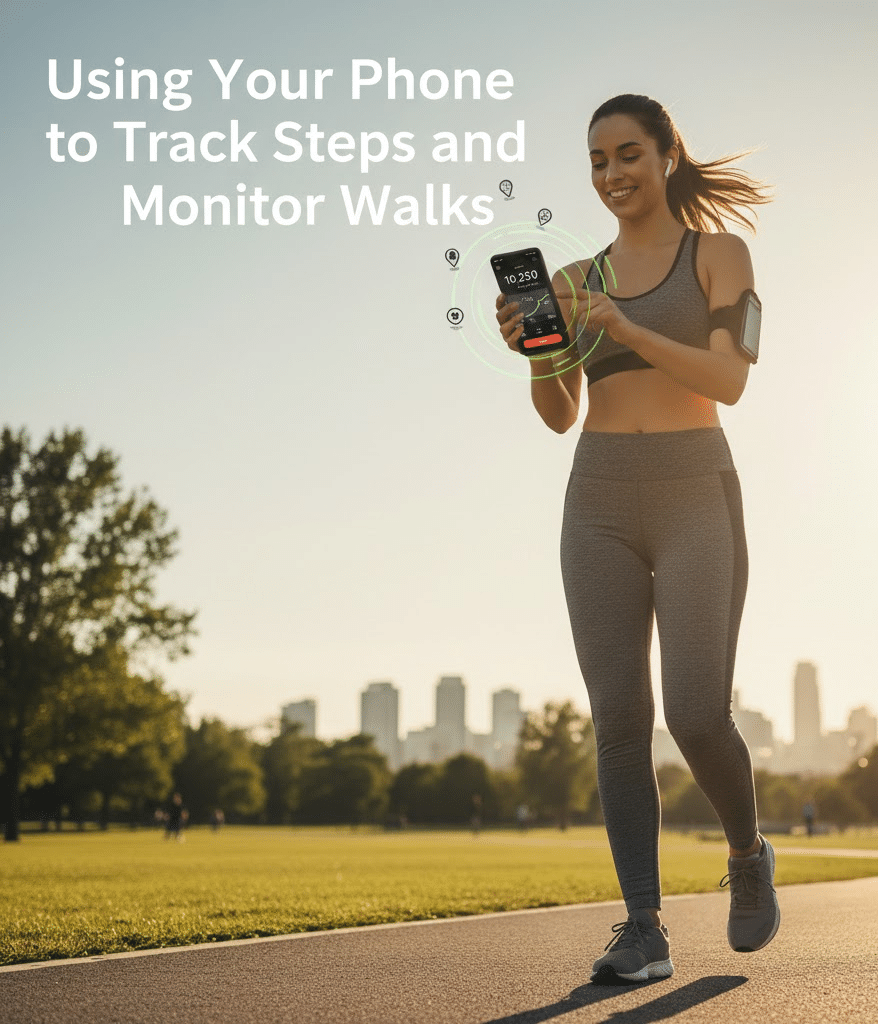
Walking is one of the most accessible forms of physical activity, and nearly everyone carries the perfect fitness tool in their pocket: a smartphone. Modern phones come equipped with motion sensors, GPS features, and built-in health apps that can accurately measure steps, monitor distance, and analyze walking performance. Because of these technological advancements, individuals can easily track their progress without purchasing expensive gadgets.
Moreover, using your phone to monitor your walks encourages consistency. Each notification, milestone, and daily report motivates you to move a little more. Although fitness trackers are popular, smartphones remain highly effective tools for beginners and experienced walkers alike. They provide detailed insights, long-term history, and integration with multiple health platforms.
Anúncios
Since many people feel unsure about how these tracking systems function, this guide explains everything step by step. Additionally, it includes practical suggestions, clear instructions, and useful reminders. The goal is to help you understand how your phone can become a powerful fitness companion during walks.
Understanding How Phone Step Tracking Works
Most smartphones measure steps using a built-in accelerometer and gyroscope. These sensors detect small movements, speed changes, and body orientation. When your foot hits the ground, the phone registers a rhythm and converts it into step counts. Because of this precise calibration, even short walks are accurately recorded.
In addition to sensors, many phones use GPS to estimate distance and pace. GPS becomes especially important during long outdoor walks. While accelerometers work indoors, GPS ensures accuracy outside by analyzing your real-time movement across space.
Anúncios
Although the system works automatically, understanding how it operates helps you trust the results. When you know how data is processed, you can use it more effectively.
Benefits of Using Your Phone for Step Tracking
Before learning how to set everything up, it helps to understand the advantages. Phones provide far more than simple step counts, and these features can make your walking routine much more effective.
Key Benefits Include:
- Convenience: You already carry your phone everywhere.
- Accuracy: Sensors detect steps consistently throughout the day.
- Motivation: Daily goals and progress charts encourage movement.
- Health Insights: Apps analyze heart rate, distance, calories, and pace.
- Cost savings: No need to buy smartwatches or pedometers.
- Long-term data: Phones store weeks, months, or even years of walking history.
Furthermore, phones integrate with nutrition apps, sleep trackers, and workout programs. Consequently, you receive a complete picture of your health.
Setting Up Your Phone to Track Steps
To start tracking steps, your phone must have step-tracking features enabled. Fortunately, this setup is quick and simple.
On iPhone (Apple Health)
iPhones include the Apple Health app, which automatically tracks steps.
Steps to activate:
- Open Health.
- Tap Browse.
- Select Activity.
- Choose Steps.
- Enable Show on Dashboard.
Additionally, iPhones track distance walked and floors climbed when available.
On Android (Google Fit or Built-in App)
Most Android phones come with Google Fit, Samsung Health, or the manufacturer’s fitness app.
To enable tracking on Google Fit:
- Open Google Fit.
- Sign in with your Google account.
- Allow motion sensor access.
- Allow location access for outdoor walk tracking.
Because modern Android devices support continuous background tracking, your steps will be recorded even when the screen is off.
Essential Tips for Accurate Tracking
While smartphones are reliable, several practices improve accuracy.
Recommendations for Better Results
- Keep your phone in a front pocket or waist pouch for consistent motion detection.
- Disable battery-saving modes during walks because they may pause sensors.
- Allow GPS tracking when walking outdoors.
- Update your phone’s operating system and health apps regularly.
- Ensure your stride data and height are correct in your health profile.
These adjustments may seem small, yet they significantly improve data precision.
Using Apps for Walking and Fitness Tracking
Although built-in apps work well, specialized apps offer additional features. Many walkers prefer external applications because they include maps, training plans, and challenges.
Popular Step Tracking Apps
- Google Fit
- Apple Health
- Samsung Health
- Strava
- Pacer
- StepsApp
- MyFitnessPal (integrates with step trackers)
Features to Look For
- Daily step goals
- Weekly and monthly activity graphs
- Live pace and distance tracking
- Walking reminders
- Route maps
- Heart rate integration
- Audio feedback during walks
Because each app provides different strengths, try several before choosing your favorite.
Strategies for Improving Your Walking Routine
Tracking steps is useful, but pairing it with good walking habits makes results even better. You can gradually enhance your health by developing a walking plan tailored to your goals.
Practical Tips for Better Walks
- Begin with short walks and extend your duration slowly.
- Add intervals by alternating fast and moderate speeds.
- Incorporate light stretching before and after walks.
- Choose comfortable shoes to reduce impact on joints.
- Walk in scenic or safe environments to stay motivated.
Although many people start with simple daily walks, consistent structure turns walking into a long-term habit.
Using GPS to Track Distance and Routes
GPS improves outdoor tracking by capturing your movement in real time. When activated, GPS can map your route, estimate elevation, and provide more accurate pace readings.
Advantages of Enabling GPS
- Precise distance calculations
- Real-time route visualization
- Better calorie burn estimates
- Enhanced performance analysis
- Elevation tracking for hilly areas
Although GPS uses more battery, the benefits are worth it for outdoor walkers.
Understanding the Metrics on Your Phone
Walking metrics help you evaluate performance. By interpreting your numbers, you can adjust pace, intensity, or duration.
Common Metrics You’ll See
- Steps: Total steps taken during the day.
- Distance: Kilometers or miles walked.
- Pace: Time needed to walk one kilometer or mile.
- Cadence: Number of steps per minute.
- Calories burned: A calculation based on weight, distance, and speed.
- Heart rate (if using paired device): Shows intensity levels.
Each metric provides valuable insights. For example, cadence helps identify walking rhythm, while distance shows overall endurance.
Integrating Your Phone with Other Devices
Phones pair easily with fitness gadgets. When combined, tracking becomes more accurate and detailed.
Compatible Devices Include:
- Smartwatches
- Bluetooth heart rate monitors
- Fitness bands
- Smart shoes with step sensors
When linked with your smartphone, these devices sync data automatically.
Safety Tips When Walking with Your Phone
Safety should always be a priority. Because people often focus on their screens, they may become distracted during walks.
Stay Safe with These Tips
- Keep your phone in your pocket rather than in your hand.
- Avoid walking with loud headphones in busy areas.
- Use offline maps to conserve battery if walking long distances.
- Carry a portable charger for longer routes.
- Inform a friend before hiking remote trails.
Although phones are convenient, they should never compromise your security.
Motivational Tools and Gamification
Many apps use game-like features to encourage walkers. Because motivation sometimes fades, gamification helps maintain enthusiasm.
Examples of Gamification
- Daily goals streak
- Achievement badges
- Leaderboards
- Step challenges with friends
- Virtual walking routes across famous landmarks
Furthermore, some apps allow you to join global communities that celebrate achievements together.
Helpful Citations and Notes
Below are simplified citation-style notes appearing in many fitness articles:
- “Walking at least 30 minutes a day improves cardiovascular health.” Common recommendation in health guidelines.
- “Most smartphones use accelerometers to estimate step count.” Frequently mentioned in technology documentation.
- “Increasing your daily steps can reduce risk factors for chronic diseases.” Widely supported by medical research.
- “GPS data enhances walking distance accuracy.” Noted across fitness tracking literature.
These references summarize established health and technology principles.
Step-by-Step Guide to Starting Your First Tracked Walk
To begin tracking, follow this simple guide.
- Charge your phone fully.
- Enable motion sensors.
- Activate GPS for outdoor walks.
- Choose your preferred tracking app.
- Adjust personal info such as height and weight.
- Set a step goal, such as 5,000 or 10,000 steps.
- Start walking at a comfortable pace.
- Monitor your progress through the app dashboard.
- Analyze your results after each walk.
- Increase difficulty gradually as your fitness improves.
Because these steps are easy to follow, anyone can start walking confidently.
How Weather and Environment Affect Tracking
External factors may influence how your phone tracks your walk. Although sensors are precise, weather and environments with obstacles can alter readings.
For example:
- Heavy rain may disrupt GPS accuracy.
- Dense tree coverage blocks satellite signals.
- Very cold weather may reduce battery life.
- Indoor environments rely solely on motion sensors.
Despite these minor limitations, tracking remains reliable in most conditions.
Frequently Asked Questions About Step Tracking
Do I need internet?
No. Your phone can track steps offline because sensors work locally.
Does walking with a phone drain the battery?
Only GPS uses significant power. Regular step tracking requires very little.
Can I track steps with my phone in a backpack?
Yes, but accuracy improves when the phone is near your hips.
Do I need a smartwatch?
Not at all. Your phone alone is enough for accurate step tracking.
Conclusion
Using your phone to measure steps and monitor walks is an efficient, convenient, and accessible way to improve your health. Because modern smartphones contain advanced sensors, detailed analysis tools, and high-quality fitness apps, they can serve as complete walking companions for beginners and experienced walkers alike. With consistent use, thoughtful adjustments, and achievable goals, your phone can help you stay motivated, track progress, and develop sustainable fitness habits.
Although walking seems simple, the insights gained through tracking turn it into a powerful lifestyle practice. Your smartphone allows you to observe patterns, understand your body, and celebrate milestones. By applying the strategies in this guide, you can transform everyday walks into meaningful steps toward better well-being.
